Comparative premise
All-in-one systems compress compute, display, and I/O into a single chassis; the relevant decision is which trade-offs you accept. Compare panel quality, thermal headroom, and serviceability side-by-side before price. When sourcing units for fleet deployment, review supplier bundles and volume pricing—searching intentionally for all in one computer deals exposes where vendors compress specs to reach cost targets.
Core technical features and measurable metrics
Panel: contrast IPS, VA, and touch options by measured brightness (cd/m²), delta-E color accuracy, and refresh rate. For professional color work choose Delta-E ≤3 and 300+ cd/m². System-on-board: evaluate SoC/CPU TDP, peak sustained power, and thermal throttling behavior under 30–60 minute workloads. Memory and storage: prioritize systems with at least one user-accessible SO-DIMM and an M.2 NVMe slot; soldered RAM or single-channel memory reduces headroom. Networking and I/O: verify Gigabit Ethernet, optional 2.5 GbE for local servers, Wi‑Fi 6/6E module placement for antenna performance, and a minimum of two USB 3.1 Type-A plus one Type-C with DP alt-mode. Audio/video peripherals: test camera placement and microphone array SNR if conferencing is mandatory. Serviceability: document which parts are FRUs (battery, SSD, RAM, display) and the average time-to-repair with vendor parts.
Use cases and prioritized trade-offs
Office workstations: favor dual-channel RAM, integrated GPU with Quick Sync, and low-noise cooling; choose matte panels to reduce glare. Point-of-sale and kiosk: prioritize tamper-resistant mounting, touch responsiveness, and extended-temperature operation. Digital signage: prioritize continuous-run brightness and remote management (AMT or equivalent). Education deployments: choose easy-to-service designs and robust warranty; expect accidental-damage options. Light creative workloads: discrete GPU or integrated Iris-class graphics plus high-res color-adjusted panel; accept higher power draw. Each use case shifts the selection metric from raw benchmark numbers to durability, manageability, and TCO.
Selection criteria: quantifiable checkpoints
Performance-per-dollar: measure synthetic benchmarks (Cinebench, PCMark) and normalize to list price. Thermal headroom: log CPU/GPU frequency under sustained load and record case surface temps. Upgradability score: count accessible FRUs and spare connector types (M.2×4, SATA). Warranty and RMA logistics: document on-site vs depot, spare-part lead times, and regional service centers. Security and manageability: TPM 2.0 presence, BIOS-level management, and vendor update cadence matter for enterprises. Weight these checkpoints numerically and rank models for objective selection.
Alternatives and where AIOs lose or win
Desktop + monitor wins when upgradeability and raw thermal headroom are primary. Mini-PC plus VESA display beats AIOs on cost for the same CPU class but loses integrated cable management. Laptops retain battery and mobility benefits; AIOs beat them on stable thermal performance and screen size for static deployments. Choose an AIO when space, built-in display, and simplified installation outweigh future upgrade flexibility.
Common procurement mistakes to avoid
Misreading listed CPU models: compare actual base and boost power rather than generational names alone. Assuming soldered RAM equals lower field repair cost; it increases disposal cycles. Overlooking power-supply derating for 24/7 operation leads to premature failures. Ignoring port-level specs—USB versions, PD wattage, and DP lanes—creates integration gaps. Skip models without clear FRU documentation when you need predictable maintenance windows.
Evidence, experience, and a sector anchor
Design decisions should reference observed product trends and hands-on tests. At CES in Las Vegas, manufacturers displayed several low-cost AIO prototypes that emphasized minimal RAM and soldered storage to hit aggressive price points; that exhibited trade-offs buyers must quantify. Based on multi-year integration work and lab validation, vendors that publish FRU lists and sustained-load thermal charts reduce procurement risk. For practical procurement comparison and to identify value-tier units, evaluate curated lists such as best budget all in one pc alongside measured benchmark data.
Conclusion: comparative resolution for procurement
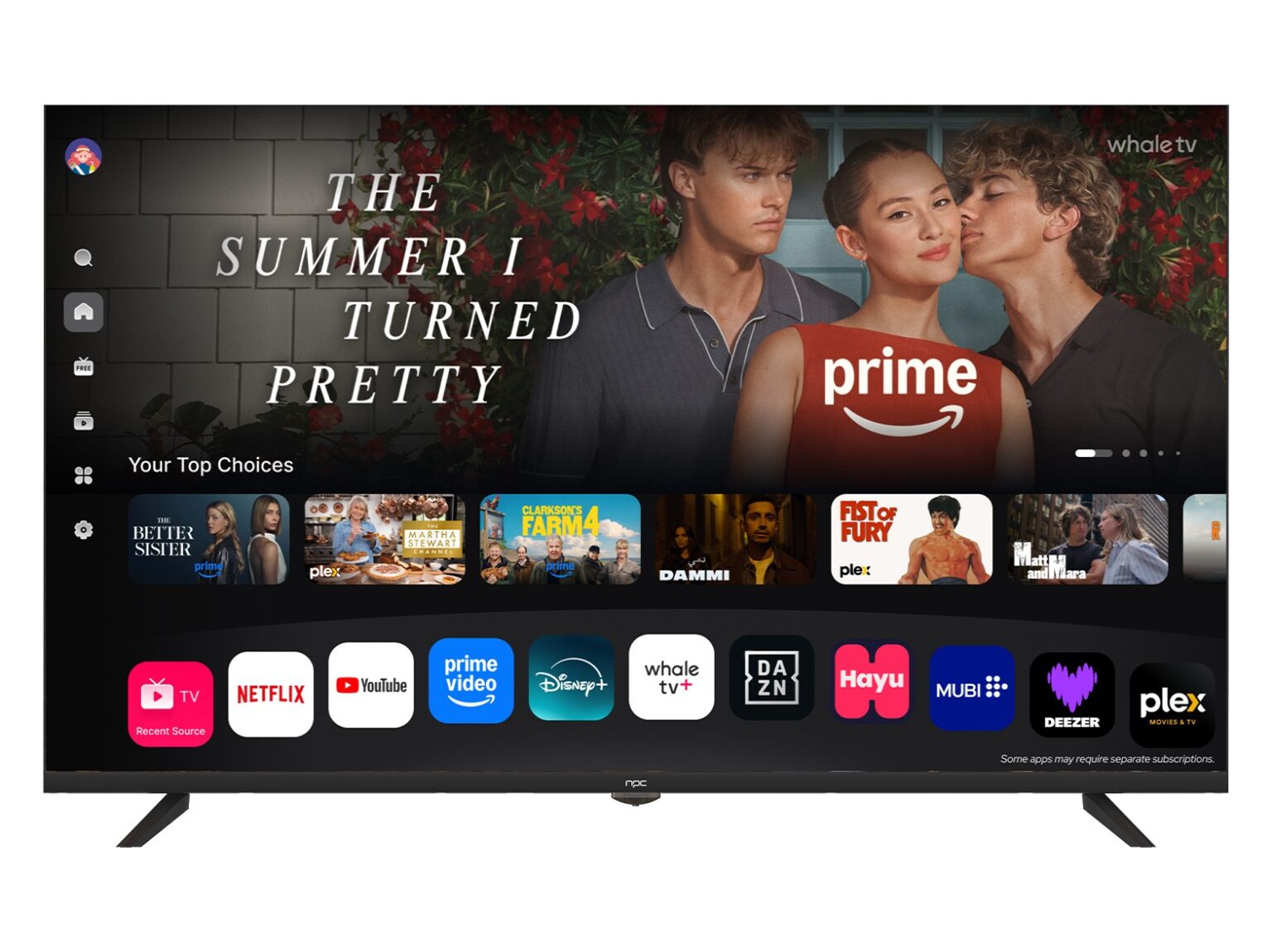
Select by measurable trade-offs: panels measured in cd/m² and delta-E, CPUs by sustained frequency and power, and systems by repairability score. Avoid choices driven solely by headline price; prefer vendors that provide clear part-level data and predictable service. For catalog coherence and ease of mapping technical checkpoints to in-stock models, a focused supplier catalog such as npc helps you align selection metrics with available units and support terms.